


Yearly
$49/ year
Free for 7 days, then $49 a year.
- Today$0
- Day 7Trial ends
- Then$49 a year
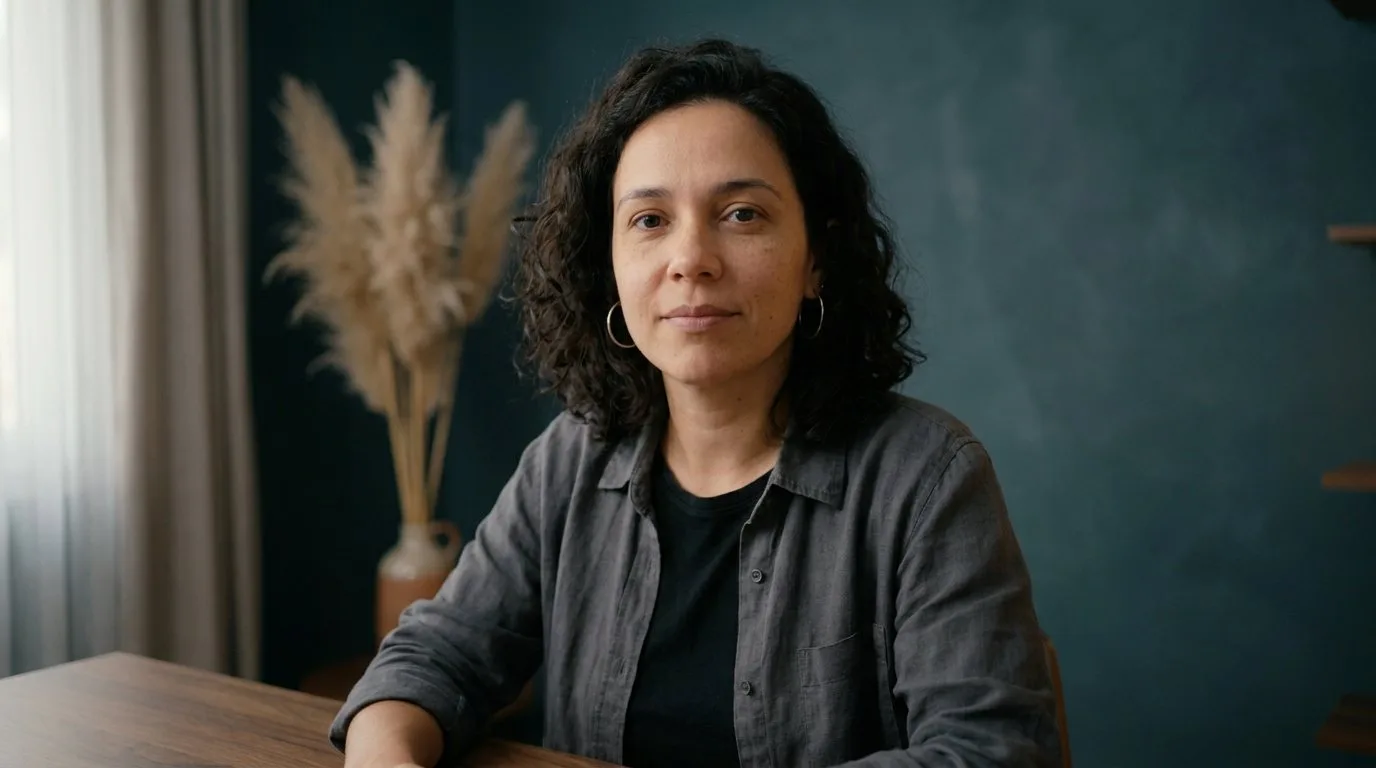
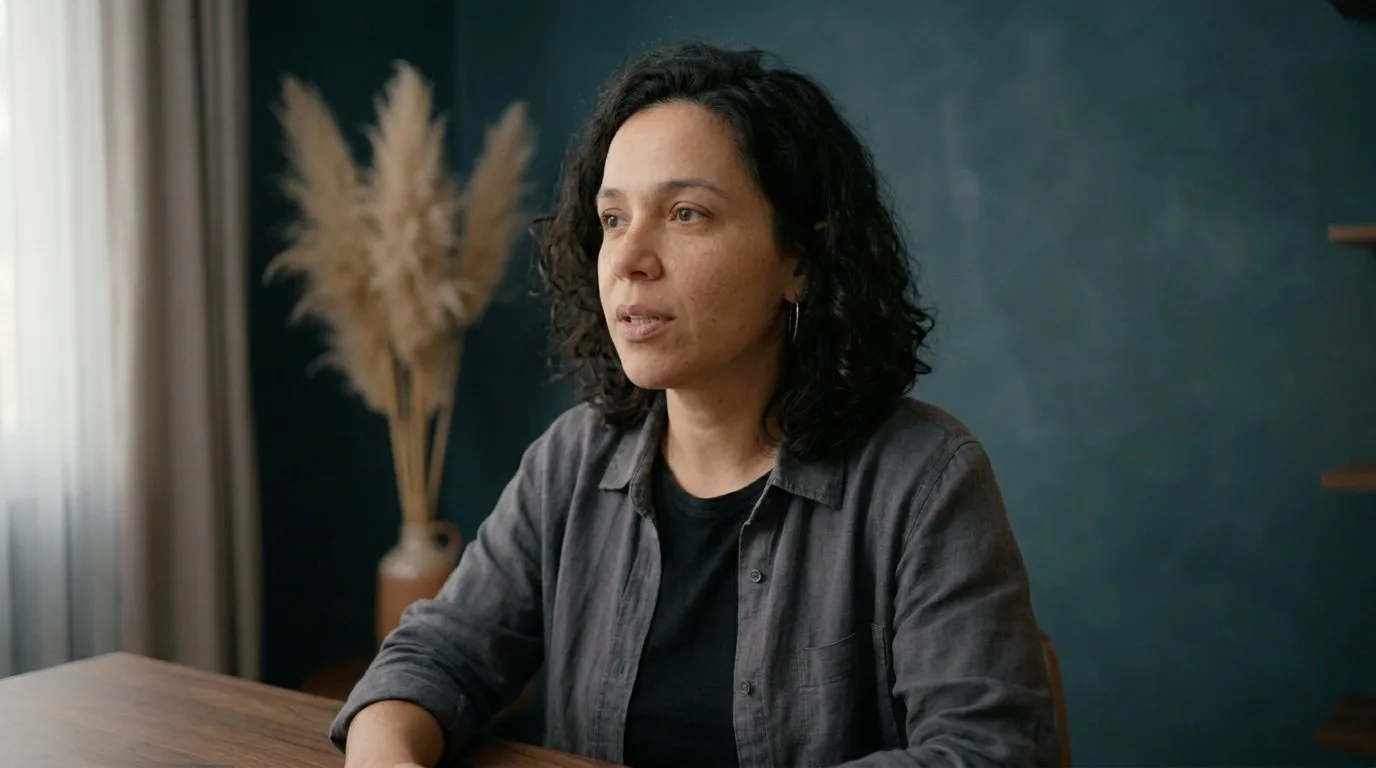
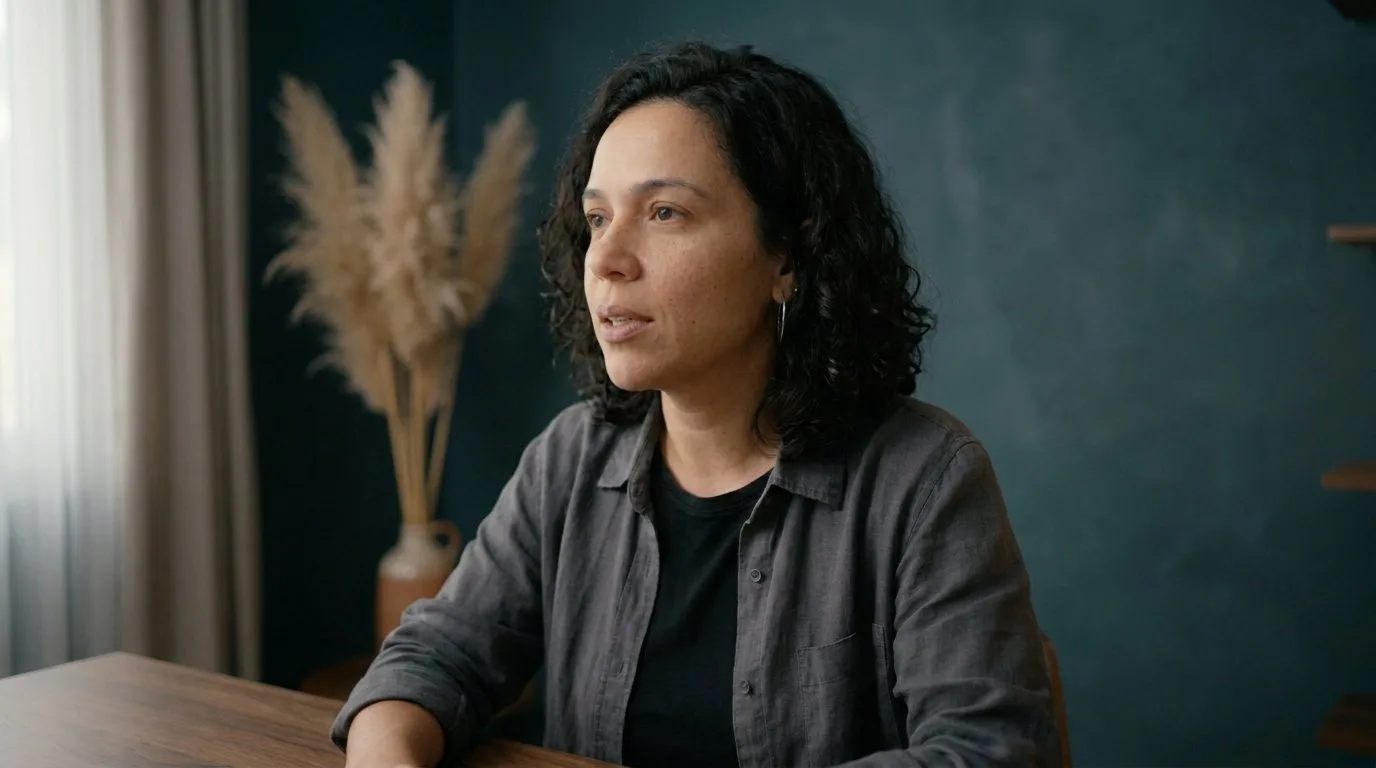
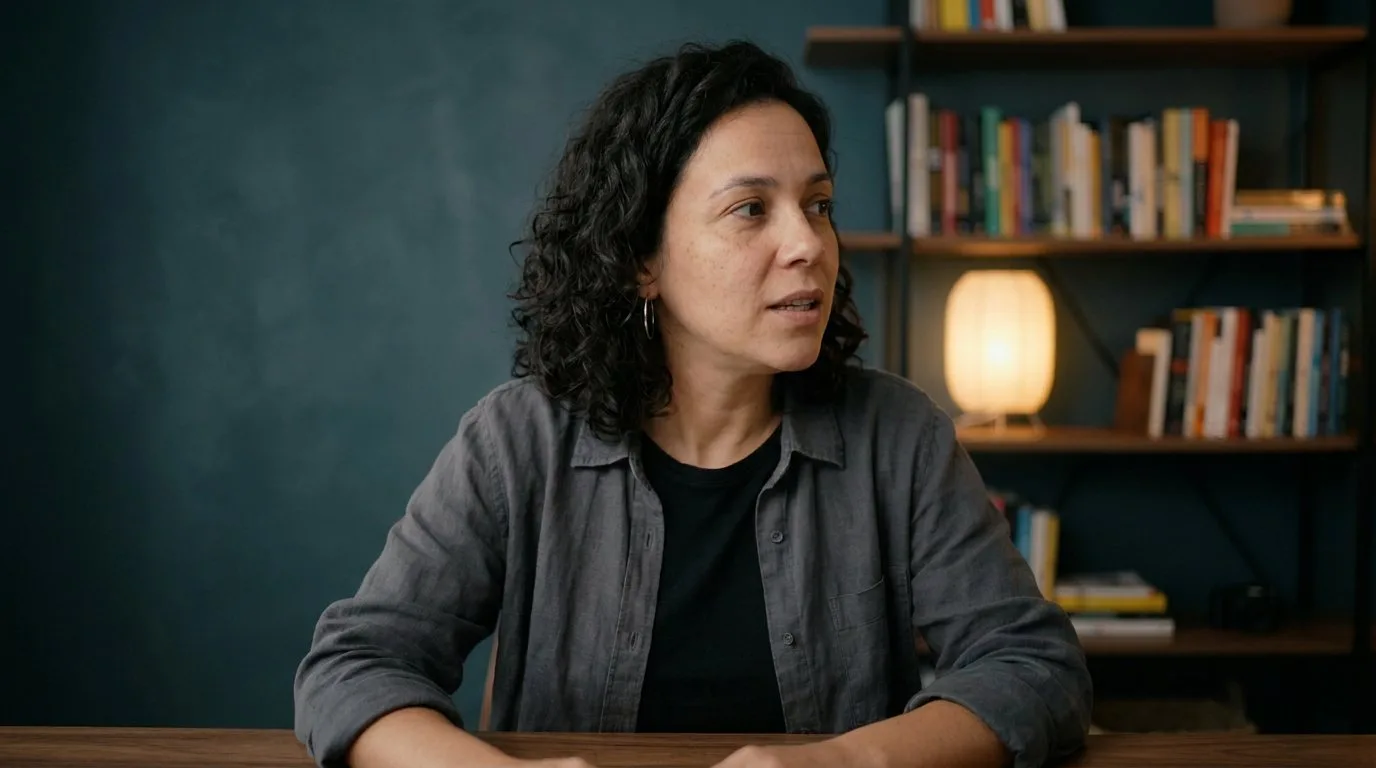
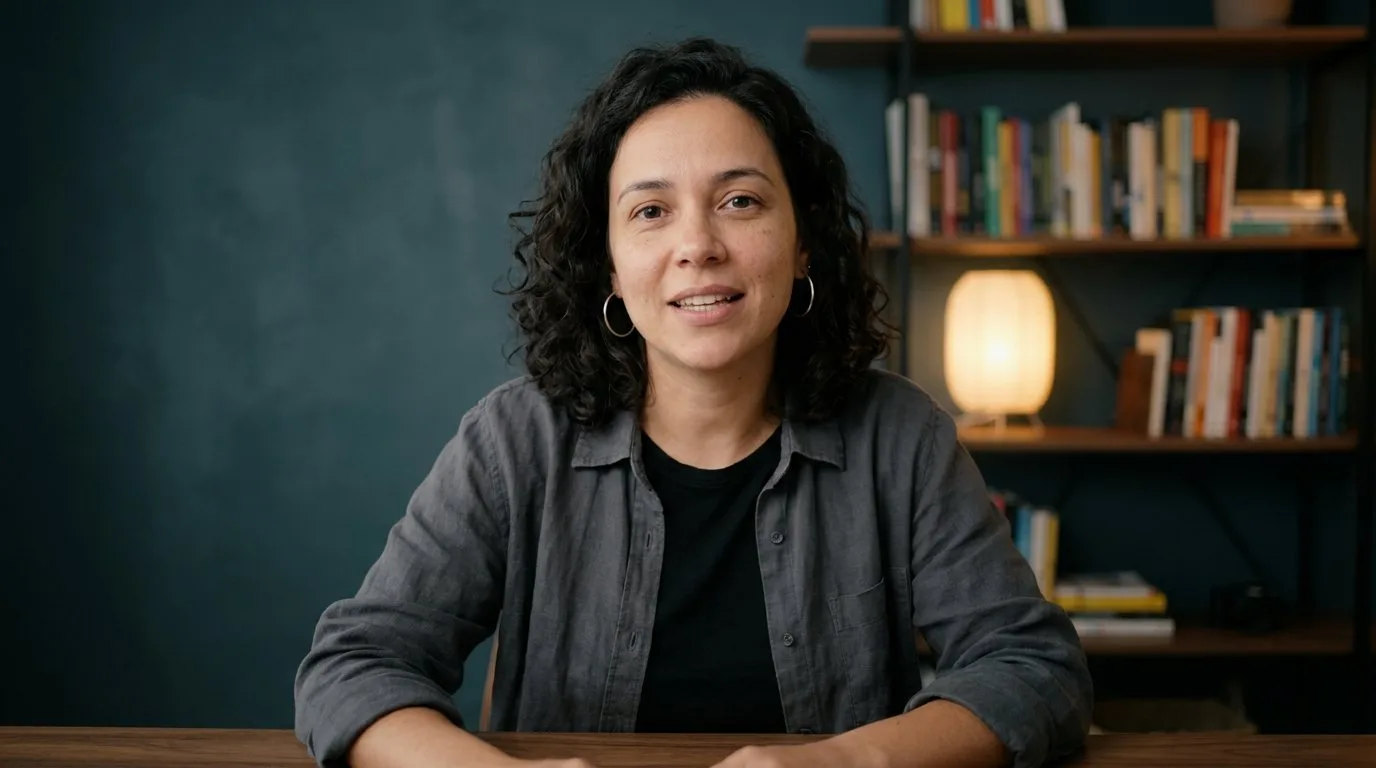
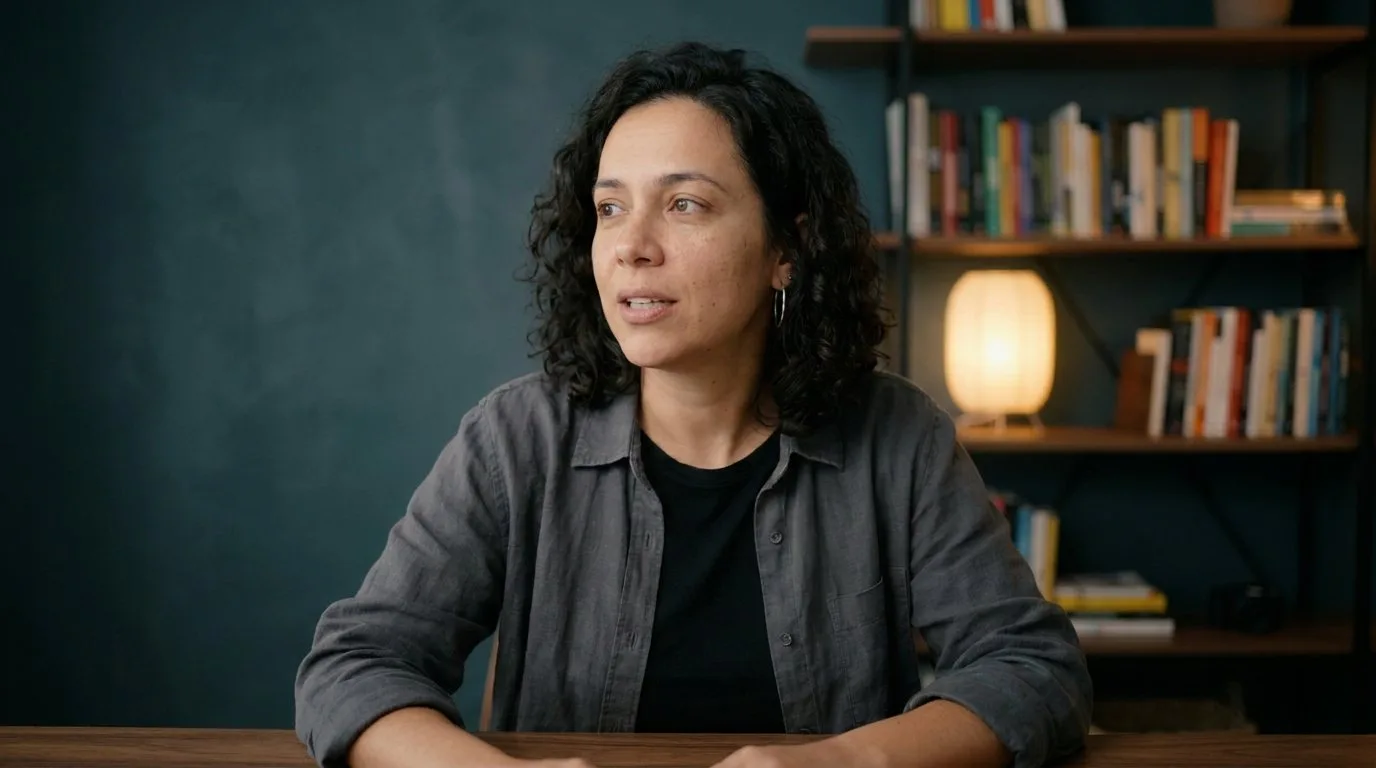
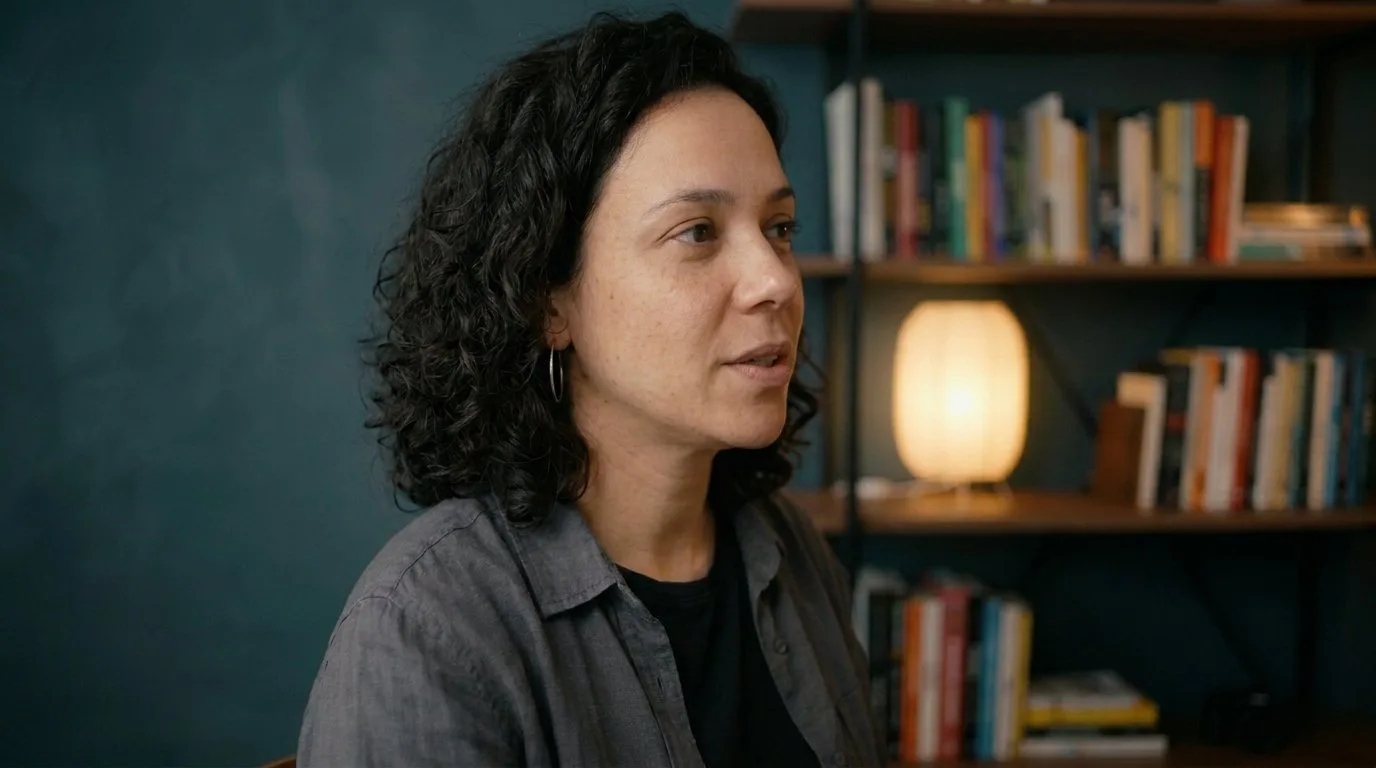
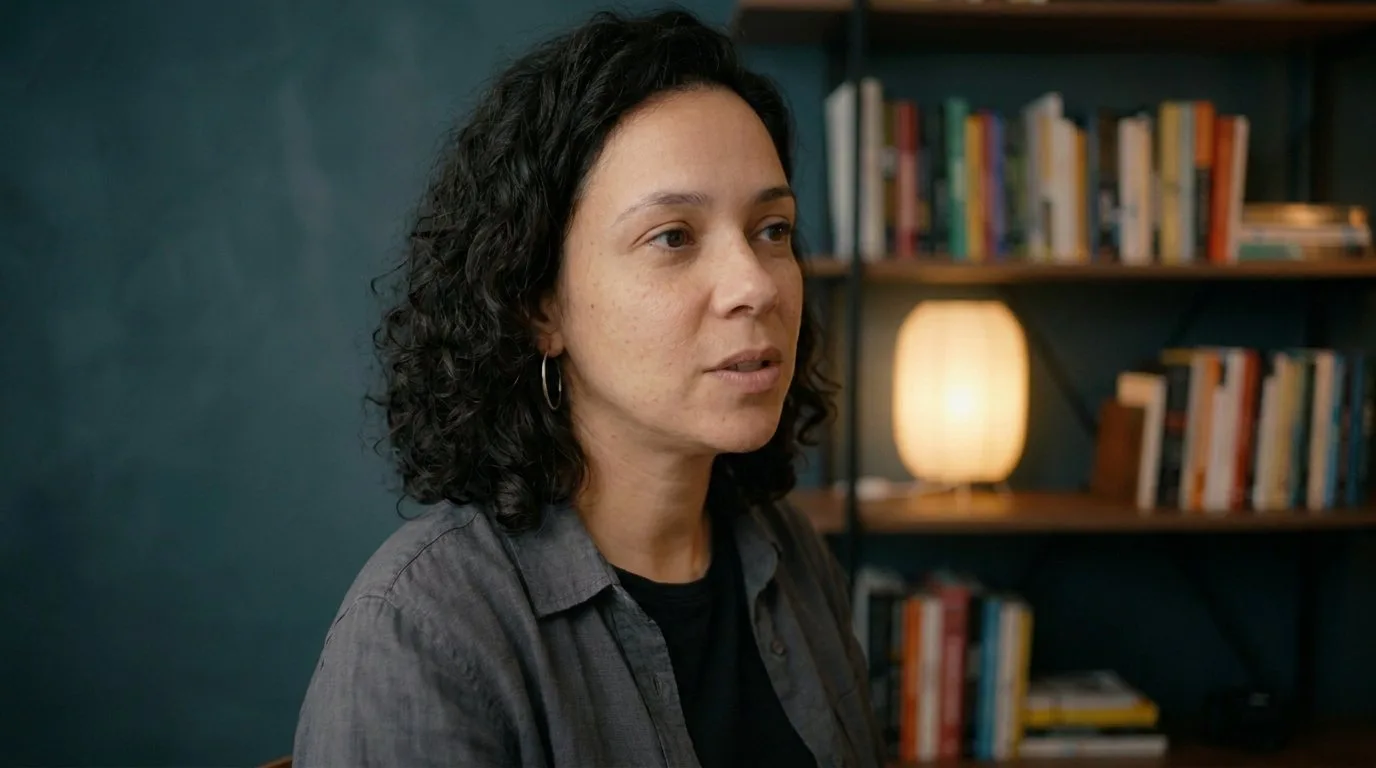
Percept switches between your cameras as you turn your face and sends the cut to Zoom, Meet and OBS. All on your Mac.
How it works
The other cameras catch your profile. Percept reads which way you face and cuts as soon as you settle.
Percept Camera
Choose Percept Camera in Zoom, Meet or OBS. Every cut arrives there, live.
Pricing
Yearly starts with 7 days free: cancel before day 7 and pay nothing. Lifetime comes with a 14-day money-back guarantee.
$49/ year
Free for 7 days, then $49 a year.
$99once
One payment, charged when you buy. No subscription.
14-day money-back guarantee
Buy lifetimeBoth plans include everything: two or three cameras, automatic cuts and Percept Camera.
Prices in US dollars. Requires macOS 26 or later.
Checkout isn’t connected yet.FAQ
Any camera your Mac recognizes: a USB webcam like the Logitech Brio, the built-in FaceTime camera, or your iPhone through Continuity Camera. Use two or three.
Zoom, Google Meet, OBS and other apps where you choose a camera. Pick Percept Camera there and every cut shows up.
One of your cameras reads the direction of your face. You show Percept once where each camera is, then calibrate by voice: it asks you to turn to each one.
It keeps the current camera until it finds you again.
Yes. Click a camera to pin it, and click Back to automatic when you’re done.
No. Percept is a camera. Record and stream with the apps you already use.
No. Percept reads your face and switches cameras on your Mac, and nothing it sees goes to the cloud.
A Mac with macOS 26 or later, and two or three cameras.
The yearly plan starts with 7 days free. Add a card, and if you cancel before day 7 you won’t be charged; after that it’s $49 a year. Lifetime has no trial: it’s a single $99 payment when you buy, with a 14-day money-back guarantee.
On the lifetime plan, yes. Ask within 14 days of buying and Paddle, which handles the payment, refunds you in full. Once the refund goes through, the license is turned off. The yearly plan has the 7-day free trial instead.
Buy or start the trial here with your email. Then open Percept, sign in with the same email and type the 6-digit code we send you.